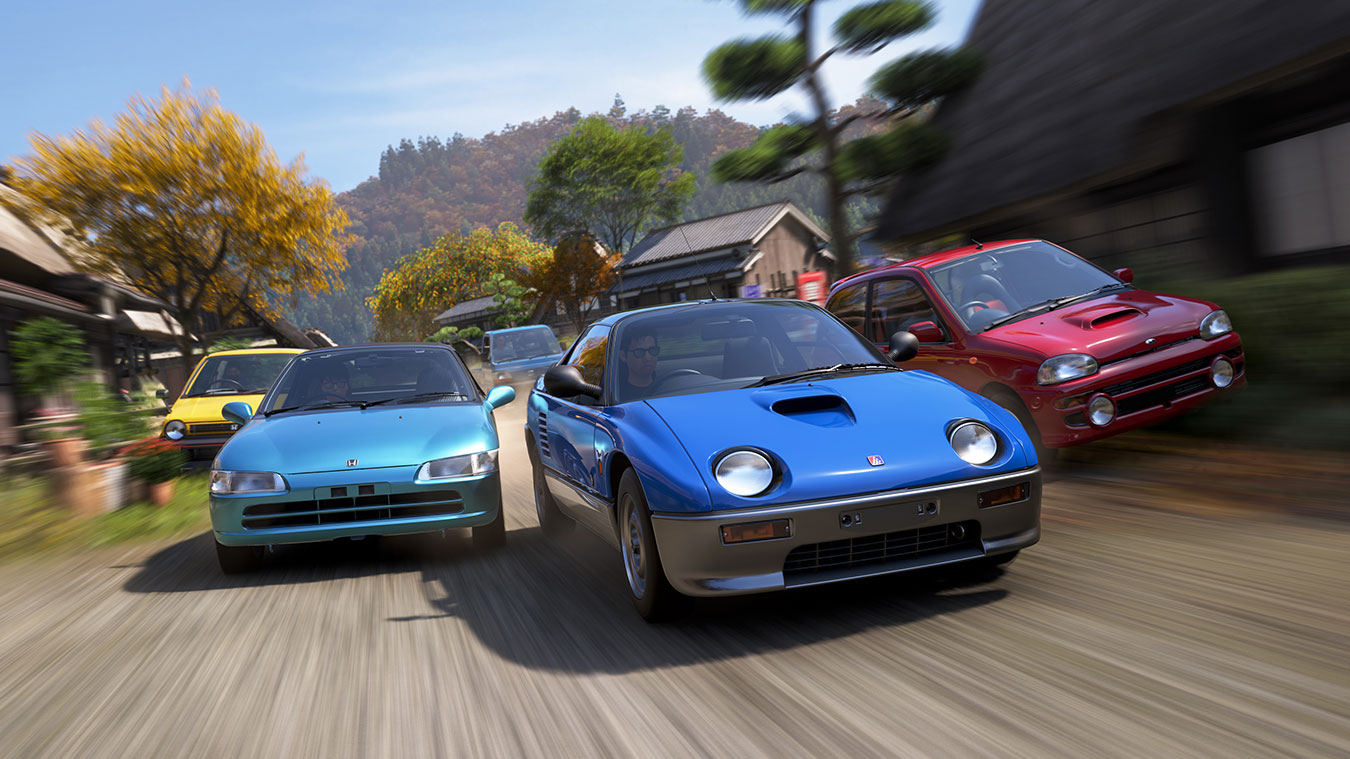
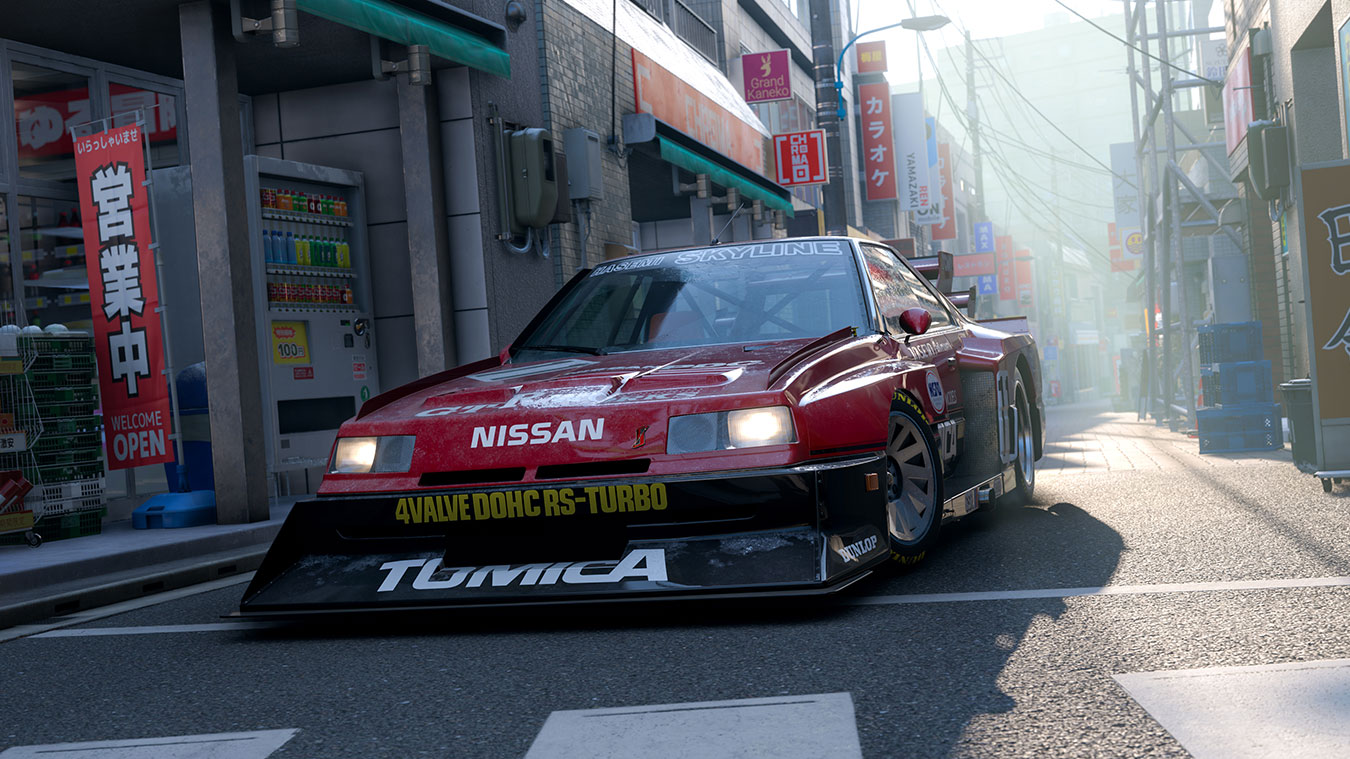
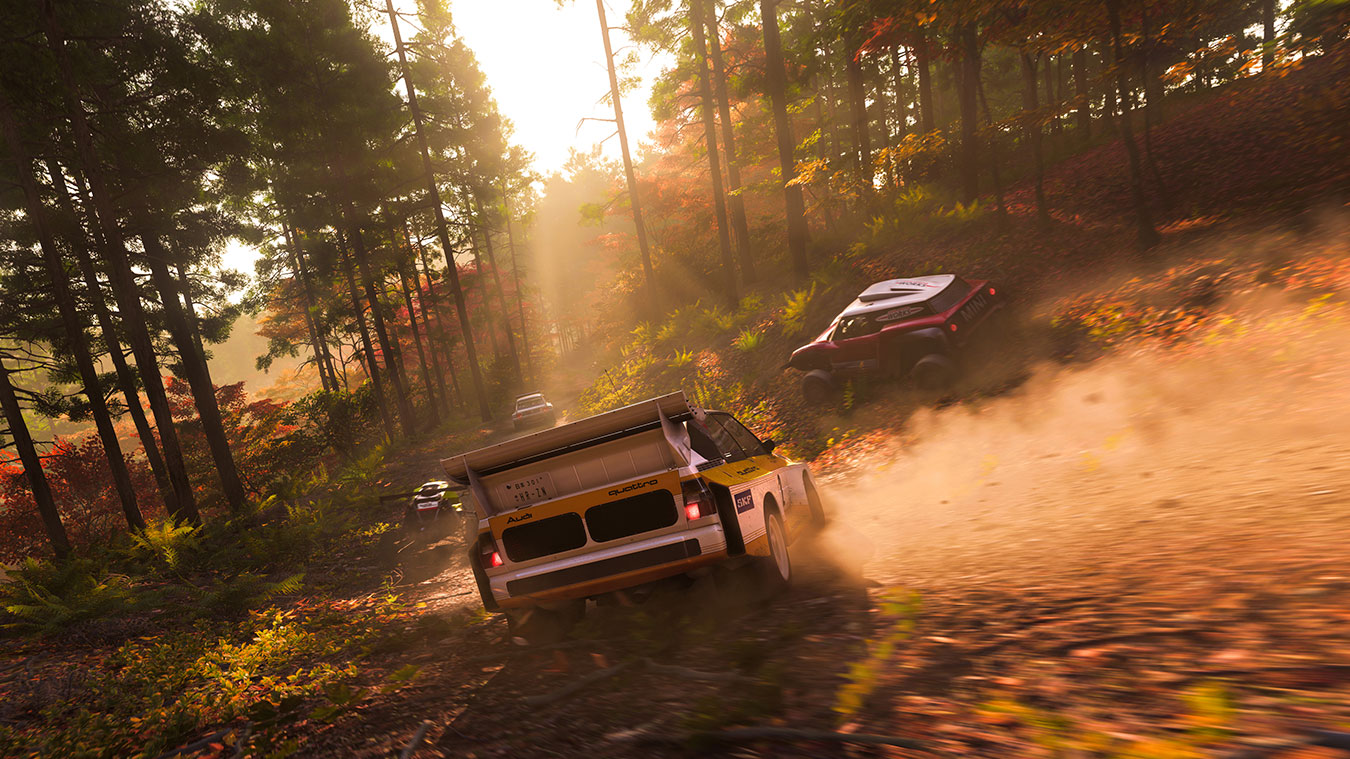
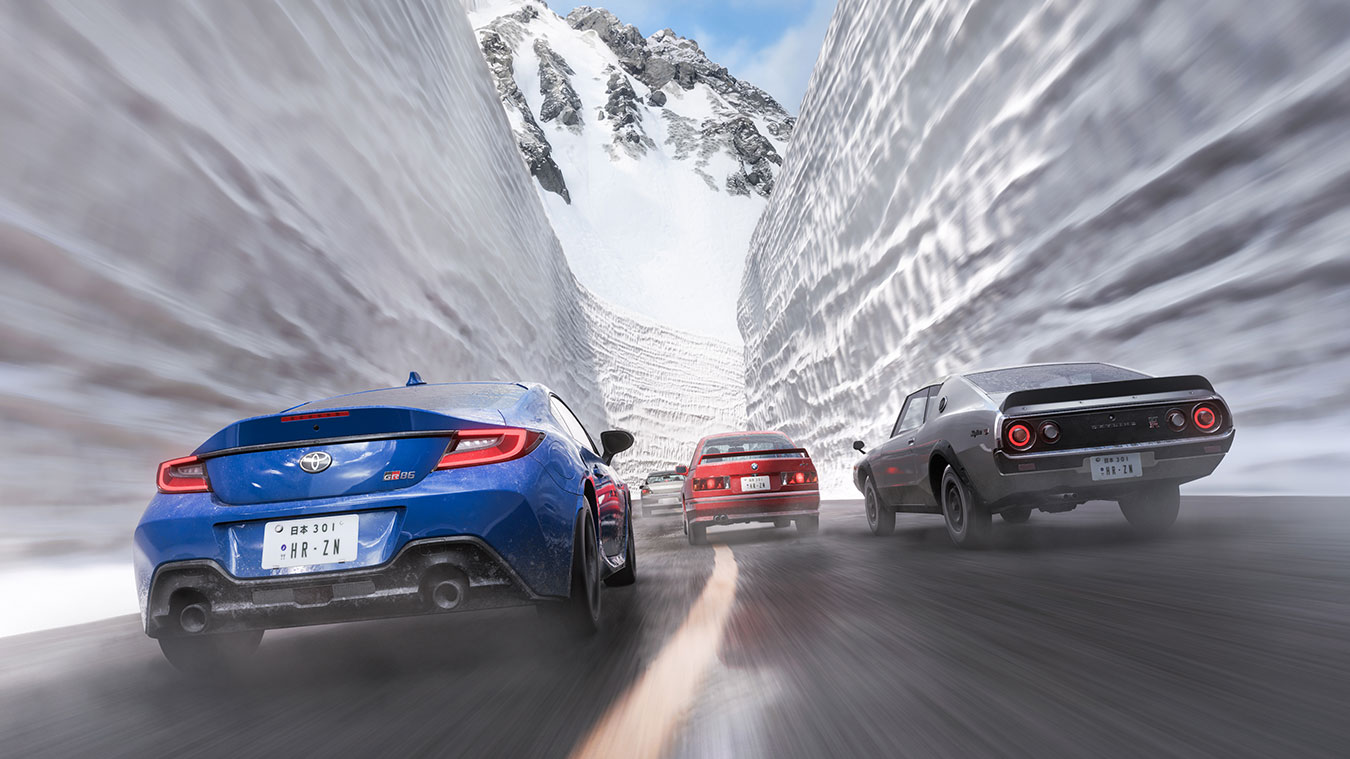
FH6 Japan's tuning ecosystem goes far beyond adjusting tire pressure and camber. The game offers three powerful creative tools that let you personalize your experience: Photo Mode for capturing your best moments, Event Lab for designing custom races and challenges, and Blueprint Creator for structuring your own championship series. Together, these tools transform FH6 from a racing game into a complete automotive sandbox.
1. Photo Mode Mastery
Photo Mode in FH6 Japan is a legitimate creative tool, not a gimmick. With dynamic weather, cinematic depth-of-field, and a staggering range of pose and angle controls, you can create images that belong in automotive magazines.
Camera Controls
Use Slider 1 for focal length (wide angle to telephoto), Slider 2 for aperture depth (blurred bokeh to everything in focus), and the manual focus ring for selective focus. The "Follow Car" mode tracks your vehicle automatically — essential for action shots.
Lighting & Weather
Golden hour (sunset/sunrise) produces the warmest light and longest shadows. Rain creates dramatic reflections on car bodywork — position your car near puddles for mirror-like reflections. Night mode with streetlights creates a Tokyo drift aesthetic.
Photo Challenges
FH6's Photo Challenge series awards exclusive cosmetics and sometimes cars for meeting specific shot criteria (drift angle >30°, night shot with headlights on, etc.). Check the Festival Playlist daily for active Photo Challenges.
The Share functionality exports at 4K resolution on next-gen consoles and PC. Post-processing options include vignette, saturation, contrast, and warmth sliders. Spend time in Photo Mode between races — the images you capture become achievements in themselves.
2. Event Lab: Designing Custom Races
Event Lab is FH6's track and event designer. Using a robust placement toolset, you can build drag strips, drift zones, point-to-point sprint races, and even full circuits. Community Event Labs have produced some of the most creative content in the Forza franchise.
Starting a New Event
Access Event Lab from the Creative Hub menu. You'll see an empty canvas overlaid on the FH6 Japan map. Use the Search mode to find existing community events first — many are brilliant and free. When ready to build, use the Route Builder tool to lay waypoints for point-to-point races.
Prop Placement
Thousands of props are available: traffic cones, barriers, grandstands, ramps, and themed decorations. The snapping system makes alignment easy. For drift zones, place donut markers at specific points and set a minimum angle threshold for scoring.
Gates & Checkpoints
Gates define the racing line. Checkpoints prevent shortcutting. For a drag race, place two gates: a start gate and a finish gate, with the course clearly marked by props. The game enforces gate passage — skip one and your run is invalidated.
Popular Event Lab Types
Drag strips (quarter-mile sprint from traffic light to traffic light) are the most popular community events — simple to build, high replay value. Touge sprint events replicate real mountain passes with tight gates. Drift parks use large open lots with scoring zones graded by drift angle and duration. Capture-the-flag uses two teams and zone control mechanics.
3. Blueprint Creator: Build Your Own Championship
Blueprint Creator goes a step beyond Event Lab. Where Event Lab builds single events, Blueprint Creator strings multiple events together into a complete championship series with its own ruleset, car restrictions, difficulty settings, and reward structure.
Championship Structure
A championship consists of 3-6 events. You set the events, the race type (road race, drag, drift, etc.), allowed PI classes, weather, and time of day per event. The Blueprint Creator assigns default PI restrictions per event — you can override them.
Car Restrictions
You can restrict championships to specific brands, countries of origin, drivetrain types (RWD/AWD/FWD), or PI class ranges. A "JDM Only RWD Drift Championship" can be locked to Japanese RWD cars between C and A class, for example.
Sharing & Ratings
Published blueprints appear in the Blueprint Arcade. Other players can rate and bookmark your championship. High-rated blueprints receive feature placement. A well-designed championship with clear theme and tight tuning restrictions can attract thousands of plays.
4. Tuning Mechanics: Practical Adjustment Guide
Beyond the creative tools, FH6's core tuning system lets you adjust a car's handling characteristics to match your driving style and target track. Here's the practical priority order for tuning adjustments:
- Tires — Match tire compound to track surface and weather. Soft compound for dry grip. Rain tires for wet conditions. Off-road tires for dirt rally stages.
- Suspension — Softer for comfort and trail braking. Stiffer for aggressive cornering and track days. Match front and rear stiffness to your car's weight distribution.
- Brakes — Racing brake pads increase stopping power but reduce ABS effectiveness on street tires. Start with sport brake pads before upgrading to race compound.
- Gear Ratios — Shorten ratios for faster acceleration (mountain touge). Lengthen ratios for higher top speed (long straights). The transmission tune is often the single biggest performance change.
- Aero — Add rear wing for high-speed stability. Remove aero on cars where top speed is the goal. Front splitter adds cornering grip at the cost of drag.